 Mookmik
Help and support
Need a hand? We’re a small team and we read every message. Most questions are answered below; if yours isn’t, write to us.
Contact us
Tell us which device you use (for example iPhone or iPad) and what happened. We aim to reply within a few working days.
89 AIA Capital Center, 20th Floor, Units 2004–2007, Ratchadaphisek Road, Din Daeng, Bangkok 10400, Thailand
Opening the grown-ups’ area
Settings, the language, purchases and Restore purchases live in the grown-ups’ area. To keep little fingers out, it opens only after a grown-up taps the grown-ups’ button, then answers a times-table question (such as 7 × 8) on the next screen.
Restoring purchases
Bought a world and reinstalled the app, or moved to a new device? Open the grown-ups’ area and tap Restore purchases. Use the same Apple or Google account you bought with.
Refunds
Purchases are made through Apple or Google, so they handle refunds:
- App Store: request a refund at reportaproblem.apple.com.
- Google Play: follow Google Play’s refund steps in your order history.
If something went wrong with a purchase, tell us as well and we’ll help sort it out.
Getting a good photo of a drawing
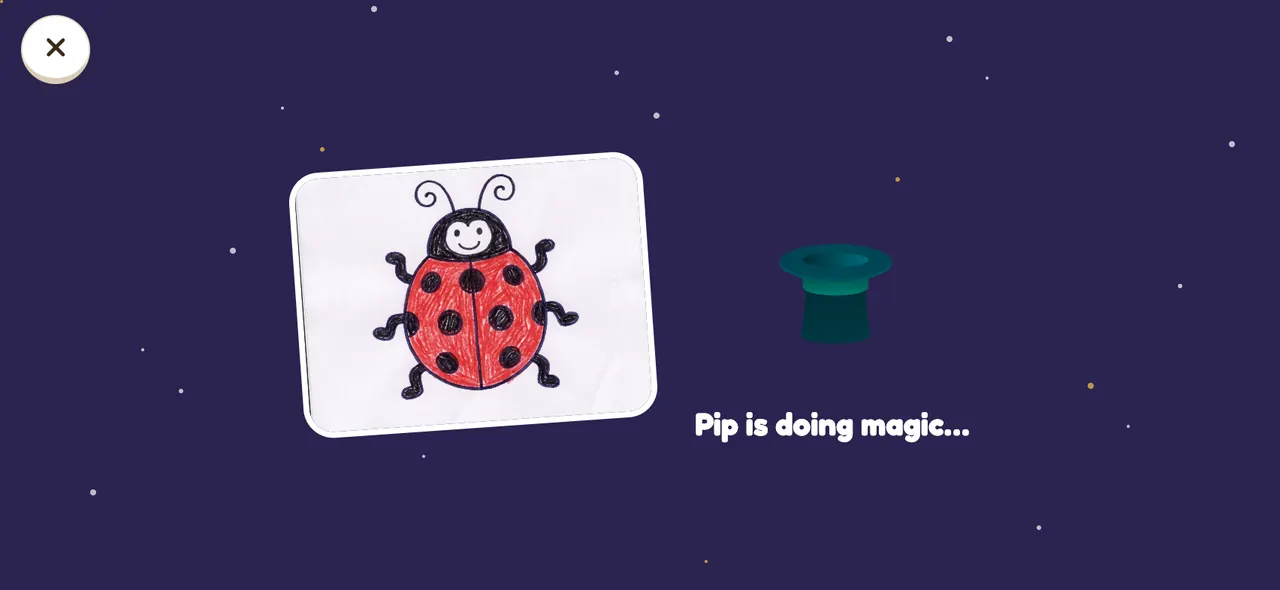
- Draw with thick, dark lines on white paper. Crayons and markers work best.
- Take the photo in good light, from straight above, with the whole drawing in view.
- Any drawing works, wobbly lines and all. If Pip can’t quite see it, try a little more light or a darker crayon.
Your family’s data
Drawings, photos and voice recordings stay on your device, and we never receive them. Deleting the app deletes them for good, so we can’t bring them back. The app doesn’t need an account, and we don’t know who you are. Read more in our Privacy Policy.
More for parents
Looking for drawing ideas or tips on screen time? Visit the blog for parents, or read about how Mookmik World works. Our Terms of Use explain the rules for using the app.
 Mookmik World